How to Plan a Month of Small Business Social Media Posts in One Sitting
Today is Small Business Saturday, which makes it a fitting day to talk about the job almost every shop owner puts off: social media. If you run a cigar shop, a lounge, a cafe, a salon or any service business, you know the week. You meant to post. Then customers came in, a delivery showed up short, someone called out, and suddenly it’s Thursday and nothing has gone out. Or a holiday sneaks up and the event gets announced the day before it happens.
We deal with the same thing on The Cigar Guys Podcast. Episodes, event coverage and our weekly smoke-along all need posts around them, and the weeks we planned ahead always go smoother than the weeks we didn’t. The fix most busy owners land on is batching: make the big decisions once a year, plan a whole month of posts in one sitting, then spend 10 to 15 minutes a week making sure it all goes out. Here’s how that works, step by step.
Step 1: Make the Big Decisions Once a Year
Before you write a single caption, sketch out the year. For each month, write down a theme, the main promotion if there is one, the key dates that matter to your customers, and one goal.
Key dates are where most small businesses get caught. Holidays move every year, so add the ones you actually care about with this year’s dates, then give each one a few prep days so you know when to start talking about it, not just when it happens. For a cigar shop or lounge, that means gift season, Father’s Day, anniversaries and your own events. If you list events, put them on TheCigarEvents.com, our free national cigar event calendar, while you’re at it.
This week is a good example. Thanksgiving was November 26 and Small Business Saturday is today, November 28, with holiday hours, gift guides and last-order dates right behind. If those weren’t on your calendar with a prep date, the posts probably got written in a rush.
Step 2: Pick Five or Six Content Pillars
Content pillars are the handful of themes you post about over and over. For most local businesses they look something like this:
- Products and services
- Behind the scenes
- Tips and how-tos
- Community
- Offers and promotions
- Customer stories (with permission)
Pillars make ideas easier to come by and keep your feed from turning into nothing but sales posts. Keep an idea bank too, a running list of post ideas tagged by pillar, format and platform, so planning day starts from a list instead of a blank page.
Step 3: Run a Monthly Batch Session
This is the heart of the system. Once a month, block out about two to three hours and work through seven steps:
- Review (15 min): how many posts went out versus the plan, each platform’s numbers, and key dates in the next six weeks.
- Plan (30 min): one row per post per platform, with date, pillar, format, topic and any linked promotion.
- Shot list (15 min): every photo or video you need, grouped by location so you shoot each spot once.
- Shoot (45 to 60 min): everything on the list, plus a few extras for Stories.
- Write (45 min): draft captions. Templates help a lot here.
- Schedule (20 min): use each platform’s own tools or your scheduler, and leave a few open slots for news.
- Close (5 min): anything still unfinished gets a date.
One focused afternoon instead of thirty rushed mornings. If you also run a podcast, our guide to the three systems every growing podcast needs shows how repurposing an episode can fill a lot of those rows.
Step 4: Put Promotions on a Timeline
A promotion announced once is easy to miss. A simple timeline works better: decide the offer and dates at prep start, post a teaser about a week out, announce the details two or three days before, show the real thing on launch day, remind people midway with a new angle, post a last call, then say thank you afterward and note what happened.
Step 5: The 10-Minute Weekly Check
Batching only works if someone glances at the plan each week: fill any empty days, fix anything overdue, check which key dates have hit their prep window, and mark last week’s posts as posted or skipped.
Step 6: Track Results One Platform at a Time
Once a month, copy a few numbers from each platform’s own insights: maybe reach on Instagram, profile views on Google Business Profile and opens on your email newsletter. Don’t add platforms together. Each one counts reach, views and impressions differently, so a combined total doesn’t really mean anything. Compare each platform only with its own previous month.
A Spreadsheet That Runs the System for You
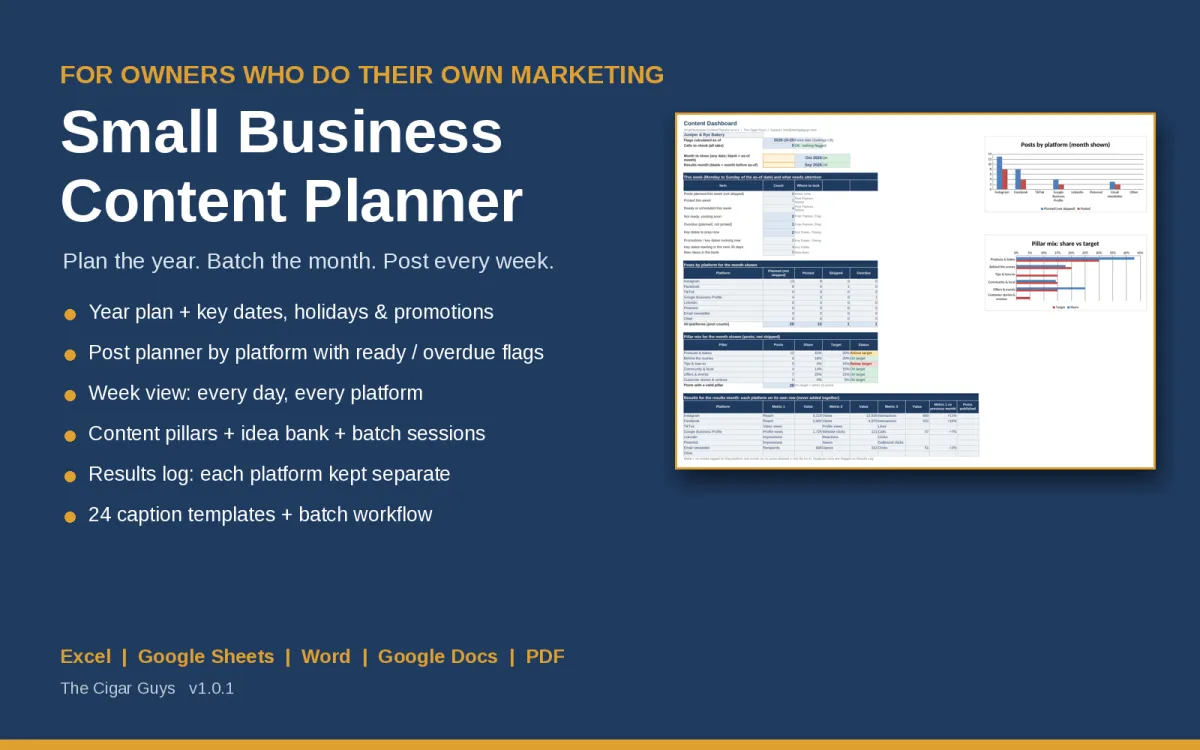
You can do all of this in a notebook. If you’d rather not build it yourself, the Small Business Social Media Content Planner ($29) is our ready-made version for owners and small teams posting on one to four platforms without a marketing department. It includes:
- A 12-month Year Plan with themes, promotions, key-date notes, goals and planned vs. posted counts
- Key Dates (100 rows) with prep days, a prep-from date and a countdown
- A 600-row Post Planner with statuses from Idea to Posted and flags like “Not ready: posts in 2 days” and “OVERDUE”
- A Week View that shows any week by platform, including Instagram, TikTok, Google Business Profile, LinkedIn, Pinterest and your email newsletter
- Content pillars and a 300-row Idea Bank, with a dashboard showing each pillar against its target
- A Results Log that keeps every platform on its own row
- 24 caption and post templates, a call-to-action bank, a batch planning guide and a completed fictional example
It works in Excel, Google Sheets and LibreOffice with no macros or add-ons. To be straight about what it isn’t: it doesn’t post or schedule for you, it doesn’t connect to any platform, and nothing in it promises more followers, reach or sales.
Bundles Worth a Look
If social media is one part of a bigger operation, start here:
- Podcast Business Template Bundle (3 Kits), $69: the Podcast Sponsorship Kit, Content Repurposing Kit and Guest Booking System in one download. The store lists the three at $97 bought separately.
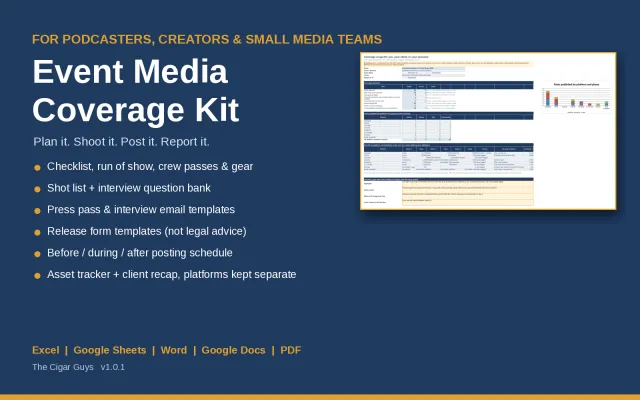
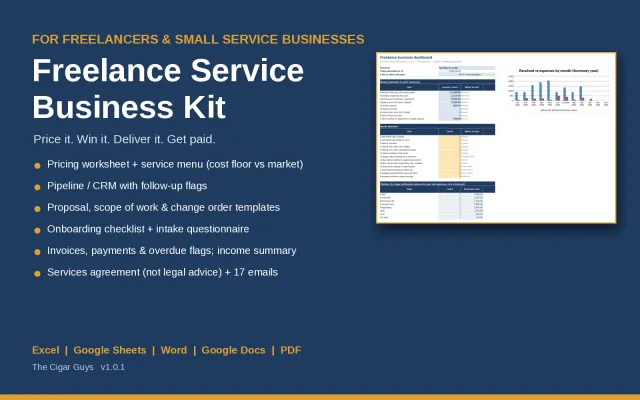
- Creator Business Template Library (All 10 Kits), $149: every kit we make, including the Social Media Content Planner, the Event Media Coverage Kit and the Freelance Service Business Kit. The store lists the ten kits at $360 bought separately.
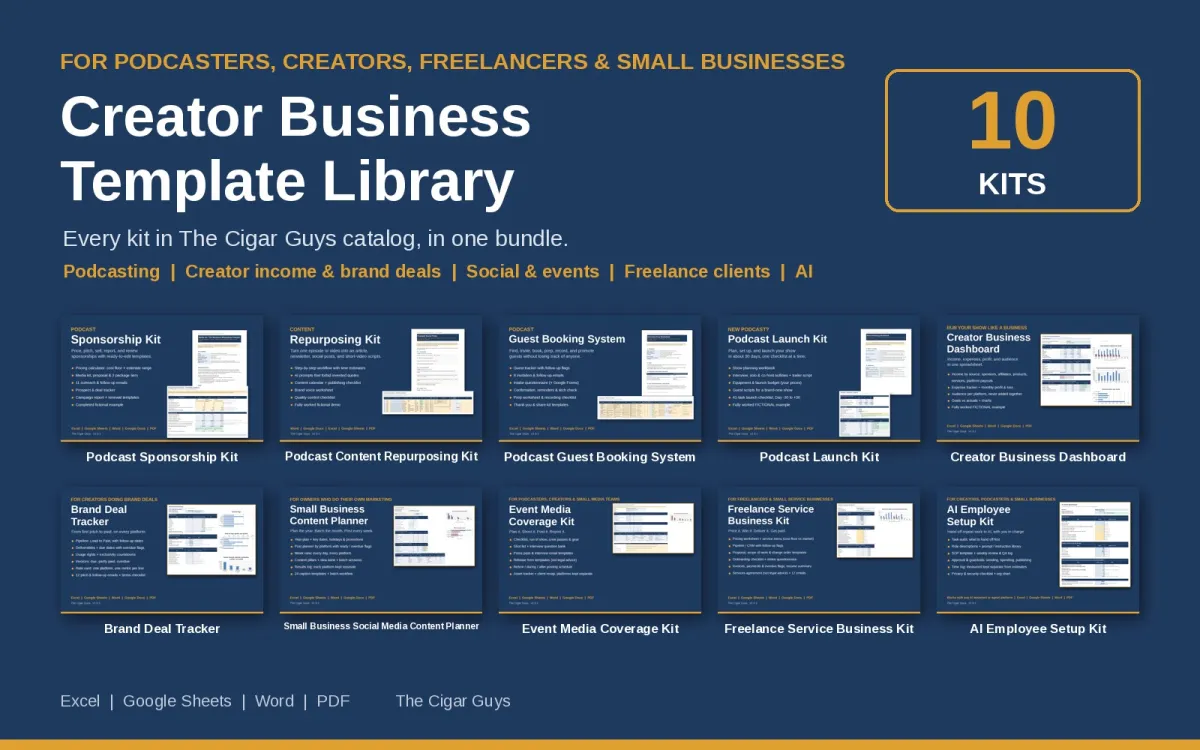
Browse everything at The Cigar Guys store on Payhip. Every kit was built from running our own show, and questions go to info@thecigarguys.com.
New to this series? Start with running your podcast like a business, then read our before, during and after plan for covering live events.
Your Next Step
Grab a calendar and write down every date that matters to your customers between now and the end of January, with a prep date next to each. Then block one afternoon next week for your first batch session. Future you, the one who isn’t scrambling on a Thursday, will thank you.
Know a shop owner or creator who’d use these? We run a simple affiliate program through Payhip. You can sign up here if you’d like to share the kits.